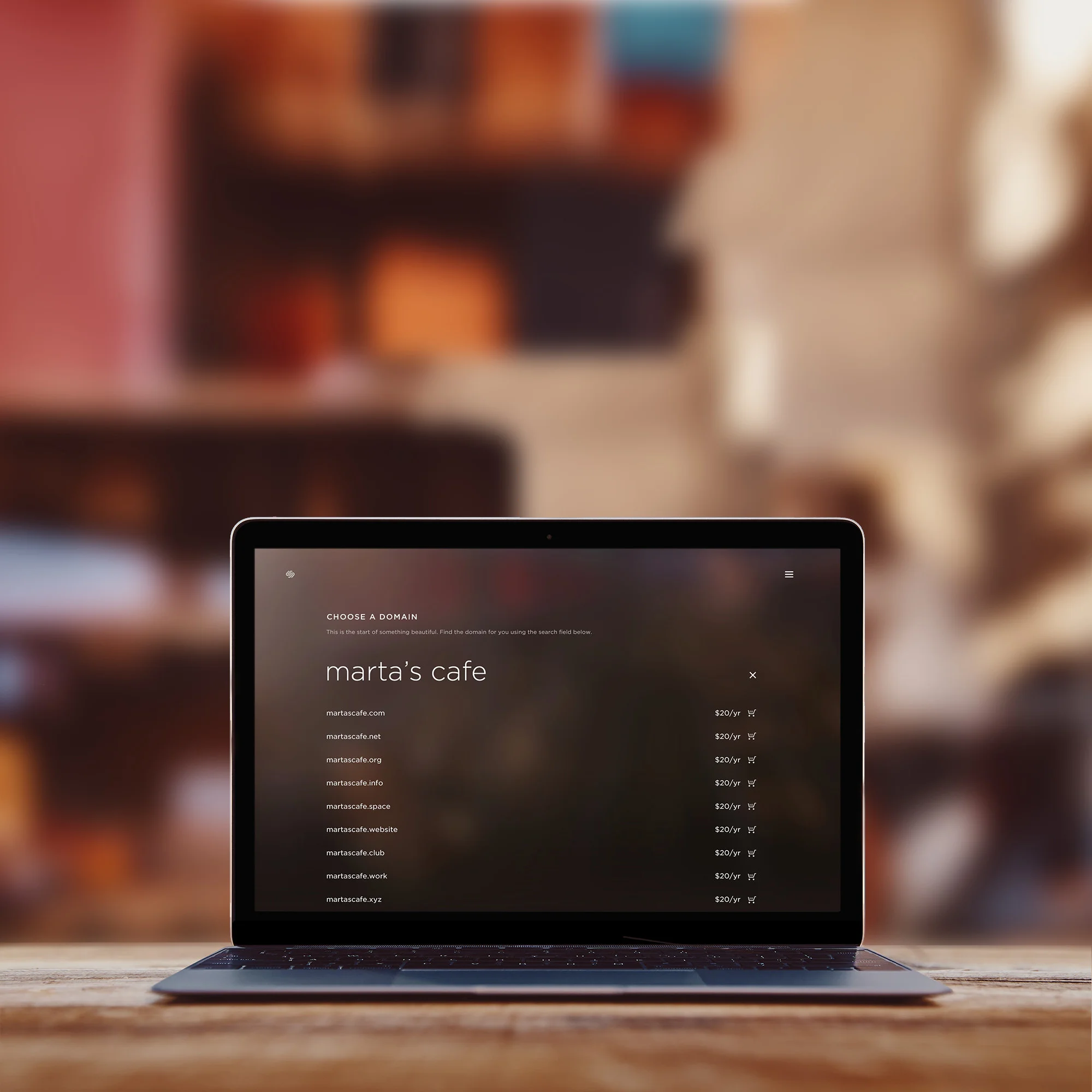
Your domain name is your address on the internet, and for a small business it shows up everywhere: on your website, your email, your business cards, your Google Business Profile, and the side of your truck. Choosing a good one (and setting it up the right way) saves a lot of headaches later.
How to choose a great domain name
Keep it short and easy to say
Imagine telling someone your web address over the phone or at the farmers market. If you have to spell it twice, it's too complicated. Short, simple, and memorable always wins.
Choose .com when you can
Most customers will type .com without thinking. If your ideal .com is taken, a small, clear change (like adding your town or "hawaii") is usually better than switching to an unusual ending.
Think about ʻokina and kahakō
Domain names can't easily use the ʻokina or kahakō, so a name like Kamaʻāina becomes "kamaaina" in a web address. That's completely normal. Just keep the proper spelling in your logo, website text, and Google Business Profile, and use the simplified spelling only in the URL.
Avoid hyphens and numbers
They are easy to forget and easy to mistype. If you need one to get the name you want, consider buying both versions and pointing them to the same website.
Add your location if it helps
For a local business, including your island or town can make your name more available and more memorable, like "konacoffeetours.com" or "hilobakery.com."
Where to register it
If you're building on Squarespace, registering your domain there keeps everything in one place, and it's what I recommend for most of my clients. Squarespace took over Google Domains in 2023, so if you originally bought your domain through Google, it is likely already in a Squarespace account under the same email address.
Don't forget a matching email address
An email like hello@yourbusiness.com looks far more professional than a free Gmail or Yahoo address. You have a few options: free email forwarding, which sends messages to an inbox you already use; a free plan from a provider like Zoho Mail for smaller teams; or a paid option like Google Workspace if you want the full suite. The right choice depends on how many people need an inbox and which apps you like to use.
Protect it
Turn on auto-renew, keep the account under an email address you'll always have access to, and make sure the domain is registered in your name (not your web designer's or a former employee's). Losing a domain because a renewal email went to an old inbox is more common than you'd think.
Not sure if your domain is set up correctly, or ready to build the website to go with it? Request a free website audit or book a free discovery call.